

Excel Macros Course
Excel Macros Course
Couldn't load pickup availability
Course Description
Make your daily Excel tasks effortless with our Excel Macros course. Learn to record macros and automate your workflow with ease. Enroll now!
Why This Course Is Perfect For You
-
🕒 Course Access Within 3 Hours
You’ll get full course access on your email within 12 hours of purchase.
-
📚 100% Self-Paced Learning
Learn at your own schedule – no deadlines or fixed classes.
-
📆 1-Year Unlimited Access
Enjoy unlimited access of all lessons, materials, and content for a full year.
Highlights of the Course
-

Gain Knowledge
Hands-on learning approach
-

Data Analysis
Focuses on financial data analysis
-

Excel Skills
Become acquainted with basic Excel functions
-
VBA Skills
Get equipped with VBA concepts and features
-

365 Days
Self-paced course with a year-round access


What Will You Learn?
- Excel macros function
- Recording and running macros
- Best practices of basic VBA
- Methods of debugging and handling errors
- Financial data analysis with macros
This comprehensive Excel macros training course, with just a couple of chapters and 3+hours of video content, will equip you with a wide range of abilities. You'll no longer have to worry about dealing with large volumes of complex data and analysis. Starting with macros functions, you'll progress to recording and running macros. The course instructor will guide you through the best VBA practices and teach you debugging and error handling. Lastly, you'll have the opportunity to learn financial data analysis.. Click on the Enroll now button alongside today to explore.

Who Should Attend The Excel Macros Course?
- Professionals and students
- Finance and management professionals trying to hone their skills
- Learners from diverse backgrounds
- Entrepreneurs and data science enthusiasts
- Intermediate to advanced Excel users

Earn A Certificate On Completion Of This Course
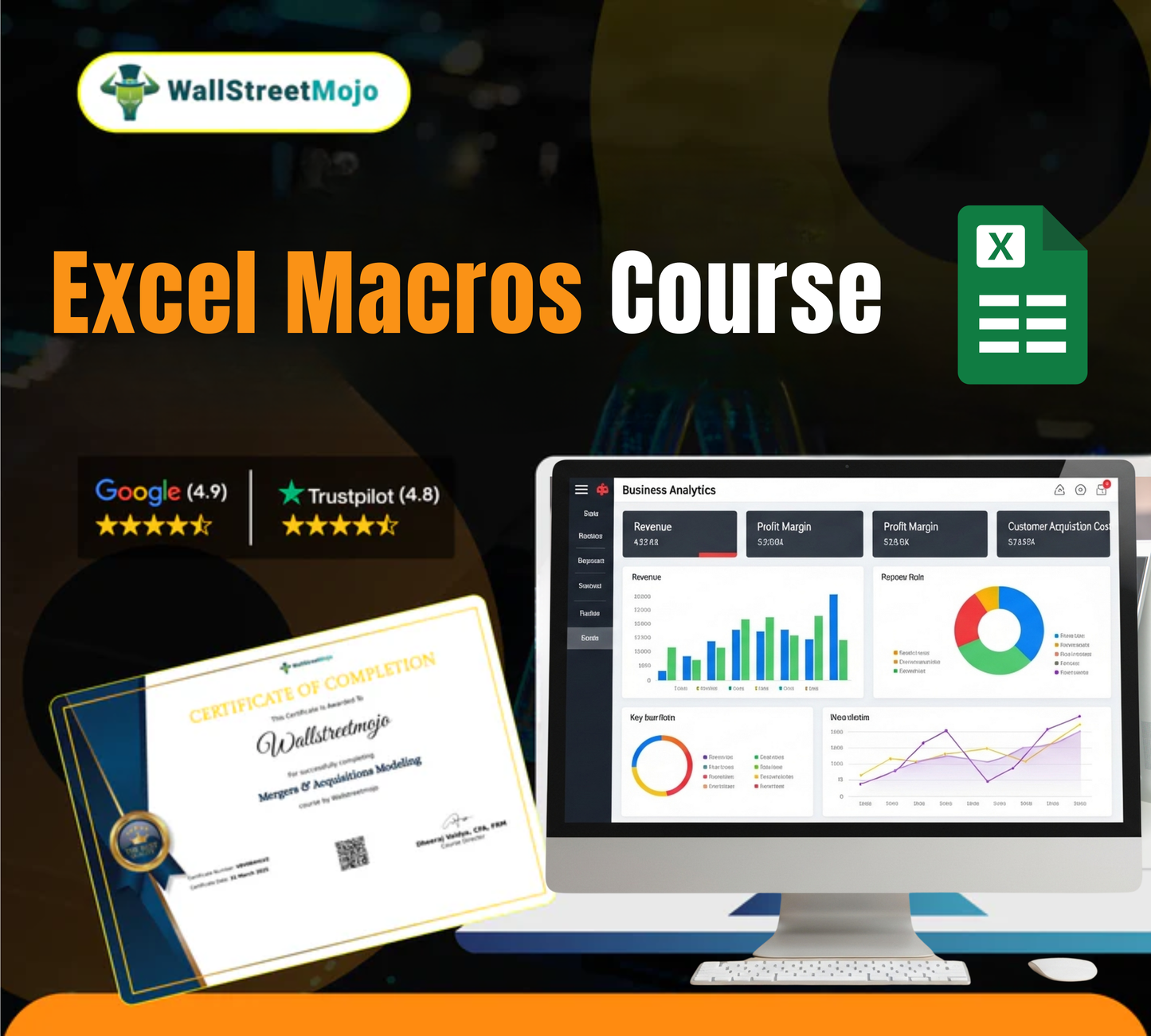
This online Excel Macros course comes with a certificate featuring your name, the course title, WallStreetMojo’s seal, and the course director’s signature. You can add it to LinkedIn or job portals to showcase your skills and boost your career prospects.

Careers With Excel Macros Skills
- Intern
- Analysts
- Associate
- Manager
- Executive
Prerequisites for Excel Macros Course
This Excel macros course with certification is not just about learning; it's about gaining practical skills that can enhance your professional life, whether you're a novice or a seasoned professional. This course will help you improve your data analysis techniques and office operations with macros functions in Excel. With the right skills, you can process any form of data. This course will provide you with those skills. Hurry, claim your certification today.
- Stable internet connection
- A device to access the courses
- Little familiarity with how Excel works
- Interest in learning MS Excel
- Graduates and undergraduates seeking/pursuing jobs
Course Curriculum
Introduction to Excel Macros
Recording and Running Macros
VBA concepts/basics/best practices
Editing and Debugging Macros (VBA editor)
Financial Data Analysis with Macros (use cases)
Frequently Asked Questions
What are Excel macros?
Macros are used in Excel to automate repetitive tasks and actions in a spreadsheet. Once applied, macros can handle any manual task commonly, such as filtering data, copying and pasting actions, making calculations, formatting cells and so on. So, if an individual has a task that they need to do repeatedly, they can record a macro for it and save a lot of their time and effort in data analysis.
Who should take the Excel Macros Course?
It is a beginners' course. We have a series of free and basic MS Excel courses on our website; if you have already completed those, it is your time to plunge into more in-depth knowledge of data analysis using macros. There is no Excel macros eligibility for anyone. Students, employees, beginners, and anyone interested in gaining knowledge is welcome to take this course.
What are the prerequisites for enrolling in the Excel Macros Course?
There are no such Excel macros prerequisites for enrolling in the Excel macros course. It is already a beginner's course, so all the content there majorly speaks to beginners. However, having a willingness to learn, a stable internet connection, and a device to access the courses. It can be joined by anyone who is looking to enhance their skills and knowledge of MS Excel, especially people who are looking to pursue jobs with the required Excel knowledge or are already working professionals seeking improvement.
How long does the Excel Macros Course take to complete?
The Excel macros course duration is around 3+ hours. In these three hours of video tutorial, there are multiple chapters, each dealing with one of the crucial topics related to MS Excel. You don't have to complete the course in one sitting. It is a self-paced course, so you have the luxury to learn at your own pace.
What topics are covered in the Excel Macros Course?
You can check out the entire curriculum for Excel macros courses details on our website, along with the duration, fee, study material, accessibility, and everything else. The course syllabus can inform you what are the topics covered in this course. Debugging, handling errors, recording and running macros, VBA concepts, and financial data analysis are some of the core topics covered along with other Excel functions.
Is the Excel Macros Course available online?
Yes, it is an Excel macros certification training online course. You can access it 24/7 from anywhere with any device, such as a smartphone, tablet, laptop or desktop computer. Since it is a video tutorial, you can learn it anytime with no time foundation. There is no in-person or physical contact with any of the course buyers, and no personal information is shared other than the basic details.
What is the cost of the Excel Macros Course?
Yes, it is a paid course, but unlike other Excel macros online courses, WallstreetMojo has always strived to make education, knowledge, and skills affordable and accessible to everyone. With this objective, we keep on offering some discounts and promotional codes for our course that you can take advantage of. You can be assured of being happy and satisfied with the quality of the content and the Excel macros course fees you are paying for it.
Can I access the course materials after completing the course?
Yes, the Excel macros certification training course offers 365 days of unlimited access to each course buyer from the date they bought the training course from our website. This ensures flexibility in learning, and since it is a self-paced course, you don't have to spend continuous hours finishing the course within a set time limit. A year-round access allows you to take your time and come back in case of doubts and revisions.
Are there any live sessions in the Excel Macros Course?
No, unlike other Excel macros classes, there are no live sessions in this Excel macros course. It is a complete video tutorial course. The best thing about this is that you can access it anytime from anywhere without having to follow a schedule. With year-round access to the course content and study materials, you don’t need to rush to finish the course. Even without any live sessions, the course delivers the finest quality of content and learning experience.
Will I need any special software to take the Excel Macros Course?
No, all you need is the MS Excel software. It is a beginner Excel macros training course, so there is no complexity linked to the course structure or the way it should be taken with any specific prerequisites. You will be able to download the Excel templates for practice, and for that, you only need MS Excel. No other special software, application, or program is required.
How is the Excel Macros Course assessed?
There are MCQs present at the end of every chapter; at least three MCQs will be there for you to answer before you can move on to the next chapter. At the end, you are assessed through a set of questions. You need to answer a specific number of questions correctly to claim your online certificate. You will get multiple attempts to clear this test and get the certificate.
Do I need any prior experience with Excel to take this course?
No, there is no prior experience required, the course is primarily made for beginners. This also means that working professionals who are interested in taking this course can also join. WallStreetMojo welcomes everyone willing to learn MS Excel. Of course, since it is primarily focused on macros, you can check out the Excel macros course outline first to understand the Excel macros course syllabus. A basic understanding of Microsoft Excel will be helpful.
Can I get a refund if I'm not satisfied with the course?
Refunds are only given in rare cases based on the scenario. It can only be given within the first two weeks or the first 15 days time period from the date you purchased the course. You will only get a refund if the course itself is incomplete, has some missing files or is recorded incorrectly with poor video quality.
Are group discounts available for the Excel Macros Course?
This course is not like other Excel macros classes. Since it is an individual course, there are no group discounts available for the Excel macros course. Don't worry because WallStreetMojo often has seasonal discounts and promotional sale prices on all the courses. This is done to make sure that education remains affordable and accessible to people from diverse backgrounds.
How does Excel macros training improve productivity?
By taking Excel macros training, you can record a macro to run repetitive actions in the spreadsheet automatically. By doing so, you automate a series of actions such as copy-paste, calculations, formatting, filters, and so on. Now, once they are automated, you eventually save a lot of your time and effort, gradually increasing your productivity. It is one of the main reasons why people want to learn Excel macros.
What is the average class size for the Excel Macros Course?
With our Excel macros classes, there is no class that you are going to be a part of; it is an exclusive video tutorial course. Once you buy this, only you will be able to access it. So, there is no pressure for you to keep up with the class or other students. You can move at your own pace with flexible learning options and accessibility across all devices. You will individually take lessons in the course with no hassle or hurry regarding any time limit.
Are there any case studies included in the course?
Yes, the entire course is a blend of many interesting case studies, real-world examples, and references. The course instructor, who is also a finance industry expert, shares his personal experience with the students to make them realize the importance of knowing MS Excel and shining in your workspace. Using case studies helps students get better at understanding the applications and scope of not only macros but MS Excel as a whole.
How often is the course content updated?
All the skills and techniques added and taught in the course and future-proof and, most importantly, carry great importance when it comes to applying them in a professional workspace with your current job roles. WallstreetMojo always strives for top-notch quality content and ensures that every new aspect and change in functionality is included in our offered courses. Good content with good knowledge support has always been our priority.
Are there any practical assignments in the Excel Macros Course?
The course offers multiple study materials, mostly in the form of downloadable Excel templates on which you can practice offline and get a hands-on learning experience. This particular course offers financial data analysis with macros using cases. WallStreetMojo understands the importance of practical knowledge and hence has it covered for you with a balance of theoretical knowledge in the video tutorials as well.
How can Excel macros skills enhance my career?
Excel macros skills will definitely enhance your career. We have often seen many working VBA analyst professionals struggle with data analysis and tend to operate using traditional and time-consuming methods by doing every action manually. With macros, you will learn to automate processes. This will allow you to showcase your abilities and skills in front of your seniors and improve your productivity. Eventually, you can easily enhance your career opportunities.
What is the career path for someone with Excel macros skills?
It depends on the industry you choose to work in. Excel macros are just one particular skill of the entire software. You can apply it to assess multiple types of data, variables, and complex raw information. Every corporate setup uses MS Excel in some capacity, and hence, knowing macros will help you gain a competitive edge among others. You can be a VBA analyst, associate, manager or executive with different roles and packages. Sometimes, you even have to begin as an intern.
What is the expected salary for professionals with Excel macros skills?
The expected salary for any professional with VBA or macros skills depends on what industry they are in, along with the job title, responsibilities, daily workload, experience and expertise in handling data. Typically, people start from being an interns and then move to more prominent positions such as managers, or executives. The general salary range lies between $60,000 and $230,000 annually in the US.
What is the salary range for a VBA analyst?
The salary range for a VBA analyst depends on various factors such as their experience, company size, the roles and responsibilities given to them. Still, according to salary.com, the average VBA analyst salary in the US is around $67,702 annually. But again, this data and salary figure are likely to change as the market grows over time.
How does the Excel Macros Course prepare me for Excel Macros jobs?
The entire course curriculum revolves around Excel macros functions. Once you are done with this course and start using MS Excel to process data in the job you pursue, you will surely outshine others so far as automation, VBA or data analysis using macros is concerned. This course will prepare you for complex data evaluation and will make your industry-ready for corporate jobs.
Will completing a basic Excel course increase my chances of getting a job?
Yes, post-completion, you will be rewarded with an online certificate, which you can add to your job profile and other professional portfolio. The certificate will add value and merit to your profile, make recruiters and employers see your worth, and highlight your skills and abilities concerning MS Excel. Companies constantly seek employees with expertise in data management and processing, and this Excel course for beginners will definitely help you increase your chances of getting a job.
How can I apply Excel macros techniques to different industries?
Data analysis is something that is done in every industry at some level. When you are equipped with Excel macros knowledge, you will be able to deal with complex data and spreadsheet navigation more efficiently. It doesn't matter if you are an intern, associate, manager or analyst; you will definitely benefit from learning macros, and we can guarantee you that it will help you in your career prospects.
Does the Excel Macros Course offer certification?
Yes, the Excel macros course comes with an online certification. Not only this, but all of our online courses come with a certification benefit. You can check out a sample on our website along with all the other details that are added to the certification, including the signature of the course director. It is the best Excel macros course that comes with a very important reward that we proudly to share with our learner to recognize their efforts.
What are the benefits of obtaining an Excel macros certification?
The benefits of obtaining an Excel macros certification are -
- Your skills and knowledge are recognized by us and by other companies in job interviews.
- You can use the online certification on different platforms to showcase your skills.
- The certification validates your skills and adds merit and value to your professional profile and resume.
- It can open career prospects and other job opportunities in the long run.
Is there an exam at the end of the Excel Macros Course?
Yes, there are multiple-choice questions at the end of every chapter before you reach the final test, which is conducted to assess your knowledge and progress in the course. Only by completing the Excel macros training with the right score can you claim the online certificate. It is the only way to receive the certificate from WallStreetMojo. All you need to do is pay attention and sincerely take the lessons.